Tenant Management
Tenants Menu
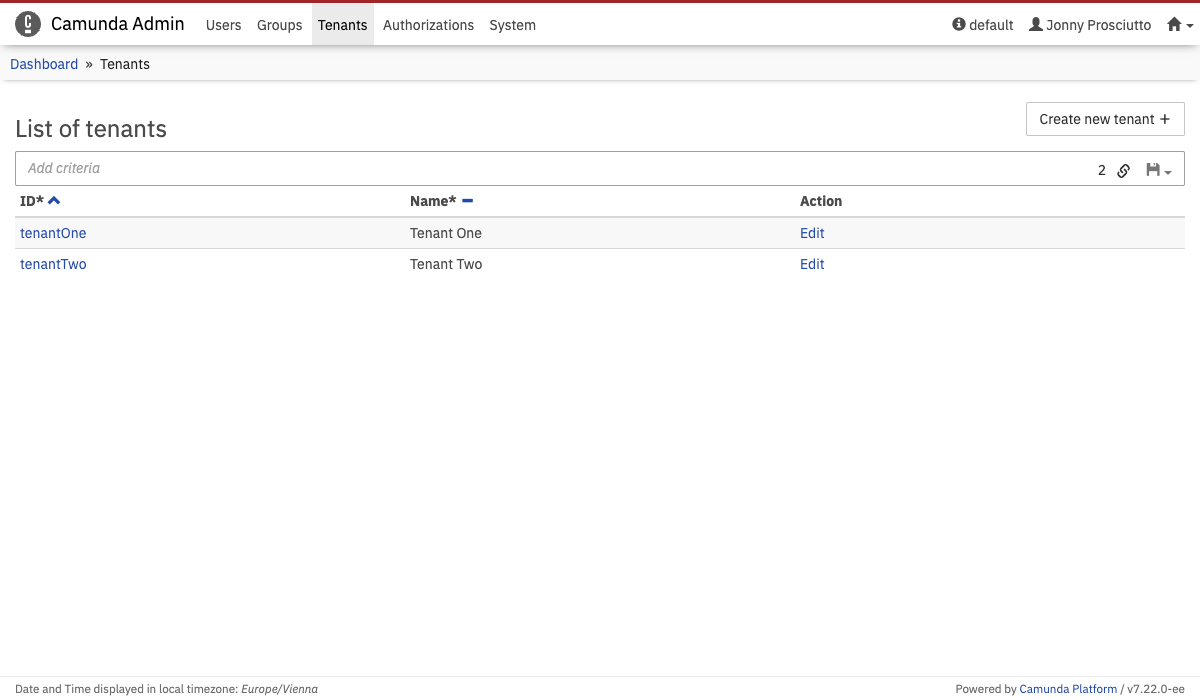 Tenants Menu
The Tenants menu lets you add, edit, and delete tenants. In addition, you can view which user or group is a member of a tenant.
Create a new tenant
To create a new tenant:
- Click the Create new tenant button
- Type the Tenant Id and Tenant Name in the corresponding input fields
- Click the Create new Tenant button
This creates a new tenant.
Add a user to a tenant
To add a user to a tenant, go to the user's account settings and click the Tenants menu on the left side.
In this menu, you can click the Add to a tenant button and select the tenants that the user should belong to.
Add a group to a tenant
To add a group to a tenant, go to the group settings and click the Tenants menu on the left side.
In this menu, you can click the Add to a tenant button and select the tenants that the group should belong to.